How I Reduced My Docker Image From 1.5 GB to 50 MB
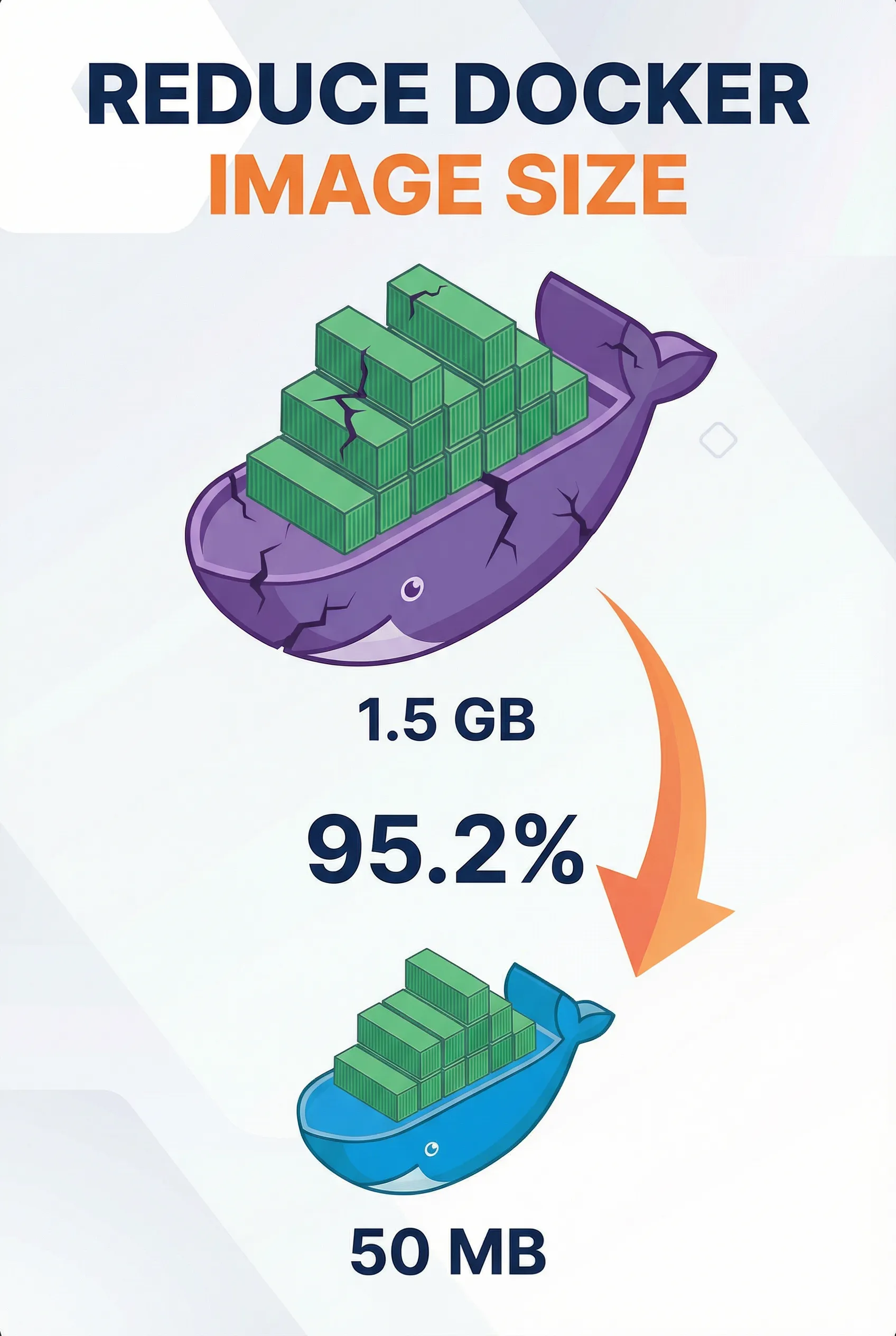
My first Docker image was 1.5 GB for a simple web app. After optimization? Just 50 MB—a 95.2% reduction. The difference isn’t just size—it’s speed, security, and cost.
Why Lightweight Containers Matter
Lightweight containers aren’t just about saving disk space. They make your entire workflow faster, more secure, and cost-effective:
- Faster startup - 50 MB images start in seconds vs minutes for 1.5 GB images
- Quicker deployments - Pulling megabytes instead of gigabytes
- Lower costs - Less storage, memory, and bandwidth usage
- Better security - Fewer packages mean fewer vulnerabilities and a smaller attack surface
The 7 Practices That Changed Everything
1️⃣ Use Small Base Images
Most people start with ubuntu:latest (200+ MB) and wonder why their image is massive. Use minimal bases instead:
- Alpine Linux (~5 MB) - 40x smaller than Ubuntu
- Slim variants -
python:slim,node:alpinewhen needed - Distroless images - Google’s ultra-minimal option
Impact: The biggest factor in your final image size. Smaller base = faster pulls, builds, starts, and better security.
2️⃣ Separate Build and Runtime Stages
Multi-stage builds are the secret weapon. Build tools don’t belong in production—they add hundreds of megabytes.
Benefits:
- 50-70% size reduction - Only runtime dependencies reach production
- Faster deployments - Smaller images pull and start quicker
- Better security - Fewer tools = smaller attack surface
3️⃣ Install Only Required Packages
Skip “just in case” packages. Every package adds weight and vulnerabilities.
Impact: Saves 20-40% of image size. Fewer packages = fewer vulnerabilities to patch and less maintenance overhead.
4️⃣ Clean Up Cache Files
Package caches add 50-200 MB with zero runtime benefit. Most developers forget this—it’s one of the easiest wins.
Impact: Significant size savings, faster builds, lower cloud costs. Free space you’re giving away for no reason.
5️⃣ Minimize Docker Layers
Every command creates a new layer. More layers = more overhead and larger images.
Impact: Smaller size, faster builds, better caching. Combining related commands also makes Dockerfiles easier to maintain.
6️⃣ Use a .dockerignore File
Prevents unnecessary files from entering your build context. Many people skip this.
Impact: Reduces build context by 50-80% (especially with large node_modules or .git). Faster builds, smaller images, better security (prevents including .env or credentials).
7️⃣ Avoid Running Containers as Root
Security over size. Running as root is a major risk.
Why it’s critical: If an attacker breaks in, they don’t get root access. Many organizations require non-root containers. It’s non-negotiable for production.
The Results
Before: 1.5 GB, slow pulls, slow starts, security concerns
After: 50 MB, fast pulls, instant starts, minimal attack surface
That 95.2% reduction creates a production-ready container that starts fast, deploys quickly, and costs less.
Bottom Line
When combined, these practices transform bloated containers into lean, fast, secure production images. A lightweight container isn’t just smaller—it’s faster, more secure, and more maintainable. In today’s cloud-native world, that’s essential.
Your future self (and your cloud bill) will thank you.